Determining the Maximum Run Length for Reliable Ethernet Cabling
You just bought a box of Ethernet cable. Time to wire up your home or office. But how far can you run it before the signal starts to struggle?
The short answer: about 328 feet (100 meters) for most copper cables. But the real answer depends on a few things. Cable type. Installation conditions. How fast you need your network to run.
What We're Actually Talking About
Ethernet isn't a cable. It's a set of rules for how devices talk to each other over a wired connection.
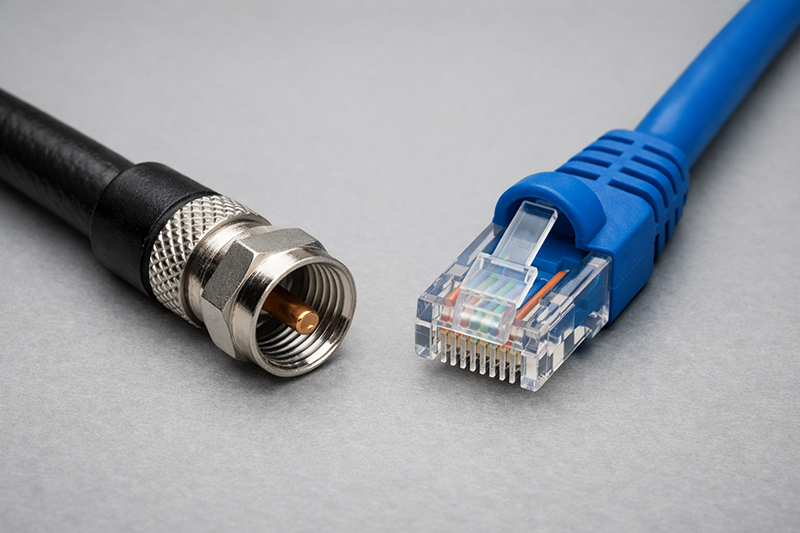
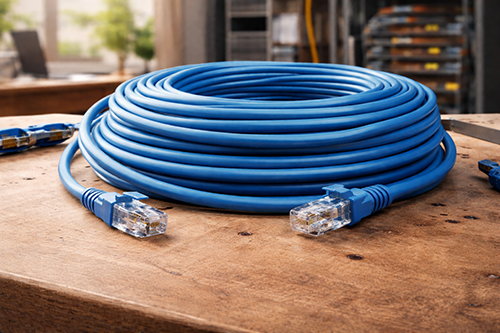
When we talk about cable length limits, we're talking about copper twisted pair cable. That's the stuff in the blue box at the hardware store. The one with the RJ45 connectors on the ends.
Copper has physical limits. Electrons can only travel so far before the signal weakens. That's why we have standards.
Main Factors That Control Cable Run Length
A few things affect how far you can push an Ethernet cable.
Copper type. Solid copper conductors are the way to go for permanent installations. They give electrons a smooth, continuous path. Stranded copper is more flexible—great for patch cords that get moved around—but all those little strands create gaps. Over long distances, the signal has a harder time.
Temperature. Heat is a silent killer for Ethernet signals. As the cable gets warmer, electrical resistance goes up. More resistance means more signal loss. That loss is called attenuation. In a hot attic or an outdoor enclosure in July, your effective cable length might be shorter than the standard says. A rough rule of thumb: at 40°C (104°F), you might need to cut back to about 85 meters. At 60°C (140°F), maybe 70 meters.
Bandwidth. Higher speeds need cleaner signals. That means shorter runs. Cat6 can do 10 gigabit, but only if you keep the run under 55 meters. If you need full 100 meters at 10 gigabit, you step up to Cat6a.
Installation. Permanent in-wall runs use solid copper. Patch cords at each end use stranded copper. They work together, but each has its role.
The 328-Foot Standard
The industry standard says a copper Ethernet channel should not exceed 100 meters (328 feet).
That 100 meters includes everything:
- 90 meters (295 feet) of permanent link—the cable in walls, ceilings, and between patch panels
- 5 meters (16 feet) at each end for patch cords—the flexible cables that connect devices
So when you plan a run, count it all. The in-wall cable plus the two patch cords. Keep it under 100 meters total.
Speed and Length: How They Match Up
Different cable categories handle different speeds at different distances.
| Cable Category | Max Speed | Max Length at Full Speed |
|---|---|---|
| Cat5e | 1 Gbps | 100 m (328 ft) |
| Cat6 | 1 Gbps | 100 m (328 ft) |
| Cat6 | 10 Gbps | 55 m (180 ft) |
| Cat6a | 10 Gbps | 100 m (328 ft) |
| Cat8 | 25–40 Gbps | 30 m (98 ft) |
The pattern is simple. If you want higher speeds, check the fine print. Cat6 is fine for 1 gigabit at full length. Push it to 10 gigabit, and you lose almost half your distance.
What Happens If You Go Over
Push past 328 feet, even by a little, and things get messy.
Speeds drop. Your equipment might fall back to a slower connection. Packets get dropped. Data has to be resent. Latency goes up. Everything feels sluggish. In some cases, connections become intermittent—working sometimes, then stopping.
The connection might still work. But it won't be reliable. And reliable is what you want.
Ways to Go Longer Than 328 Feet
Sometimes you need to cover more distance. A long warehouse. A building on the other side of a parking lot.
Here are a few ways to make it happen.
Add a switch or repeater. A powered Ethernet switch reads the signal and sends it out fresh. It's like a relay race. Each segment gets its own 100-meter run. You can chain multiple switches. Each one resets the distance limit.
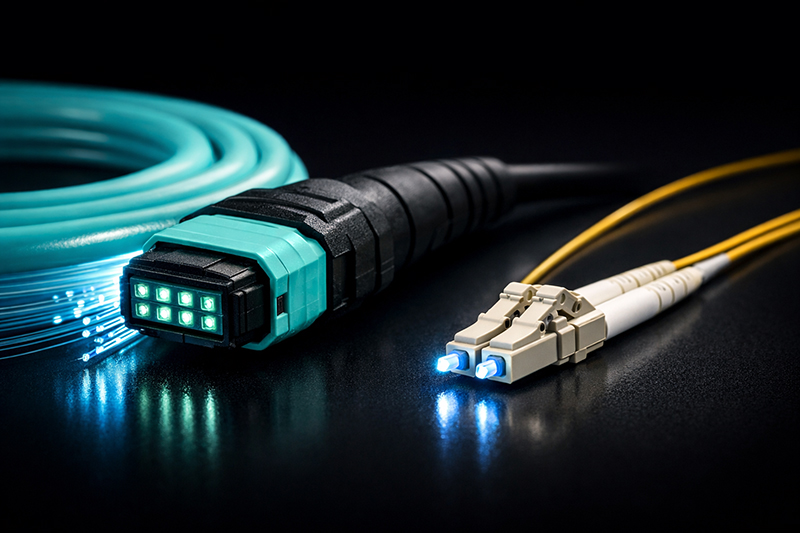
Switch to fiber. Fiber optic cable uses light instead of electricity. Signal loss is much lower. Multimode fiber can go 300 meters to 2 kilometers. Singlemode fiber can go 10 to 80 kilometers. It costs more, but if you need distance, it's the right tool.
Frequently Asked Questions
Does shielding help extend the run?
Shielding helps with interference from nearby electrical equipment. It can help maintain signal quality in noisy environments. But it doesn't change the physical limit. Copper is copper. 328 feet is still the max.
What's the difference between Cat6 and Cat6a?
Cat6a has thicker insulation and better shielding. It supports 10 gigabit at the full 100 meters. Regular Cat6 only supports 10 gigabit up to 55 meters.
Can I use a patch cord for my whole run?
Not recommended. Patch cords use stranded copper. They're more flexible, but they don't carry signals as far. Solid copper is for permanent runs. Patch cords are for the last few feet.
Does Category Eight really have a 30-meter limit?
For 25 or 40 gigabit speeds, yes. Cat8 is built for data centers, not home wiring. If you run it at lower speeds, you might get longer distances. But if you need Cat8, you probably already know the limits.
Conclusion
Ethernet cable length isn't just a number. It's about matching the right cable to your needs.
For most installations, the 328-foot limit works. Use solid copper for permanent runs. Keep patch cords short. Watch out for heat. If you need high speeds, check the distance limits for your cable category.
And if you need to go farther? Add a switch. Or move to fiber. Both get the job done.
| Your Need | Solution |
|---|---|
| Standard run under 100 m | Copper cable, solid copper, proper installation |
| Run over 100 m | Add a switch between segments |
| Long outdoor or building-to-building | Fiber optic |
When you're ready to run your network, Stanford Optics has the cabling and supplies you need. Reliable. Consistent. Built for real-world installations.